There are random issues with Discover credit cards NOT processing. We have no ETA as of now, so if you need an order submitted by month end, you may need to be prepared to use a different card. […]
DISCOVER CREDIT CARD PROCESSING

There are random issues with Discover credit cards NOT processing. We have no ETA as of now, so if you need an order submitted by month end, you may need to be prepared to use a different card. […]
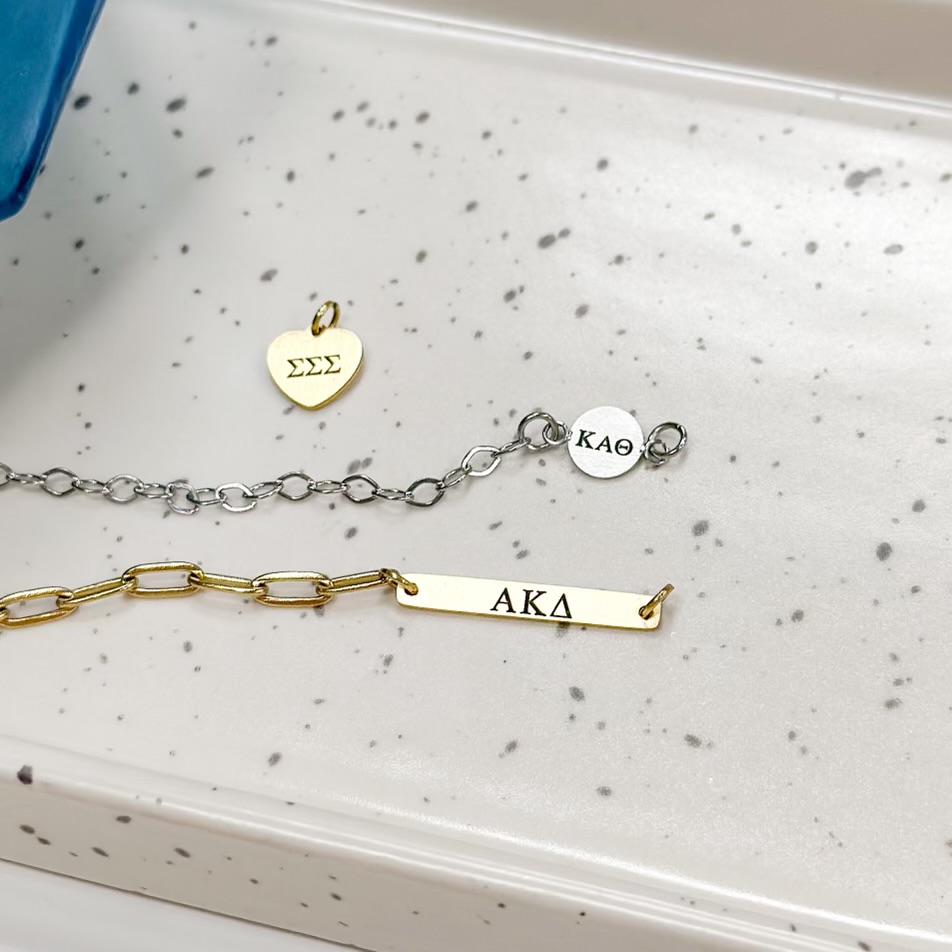
Want to make the shopping experience even more simple for your customers? Use the Cart Links feature that is NEW to your back office. Cart Links Training Video Log in to your back office. Click on Cart Links. Click on add new link. Give the link a title. Examples could be the current month’s customer special […]

All in One Video https://youtu.be/_92sA15Wzrc Ball Chain https://youtu.be/-1H9GoT7BGM Bar Chain https://youtu.be/GqKuHiF_7pc Birthstone/Side Cross https://youtu.be/6ViZATdRhLI Chic Chain https://youtu.be/9BXiUTW_QOs Circle Crystal https://youtu.be/nEtP0j6G038 Classic Chain https://youtu.be/SyfSIuyLT-A Coin Chain https://youtu.be/EAlS7rnitHE Crystal Heart https://youtu.be/1Or4w5nNz5U Dainty Chain https://youtu.be/4C4Vi2eEaM0 Fig Chain https://youtu.be/E8rk7po27pU Heart Chain https://youtu.be/bk0iYV81bWs Oval Chain https://youtu.be/l015GC8N4pA […]
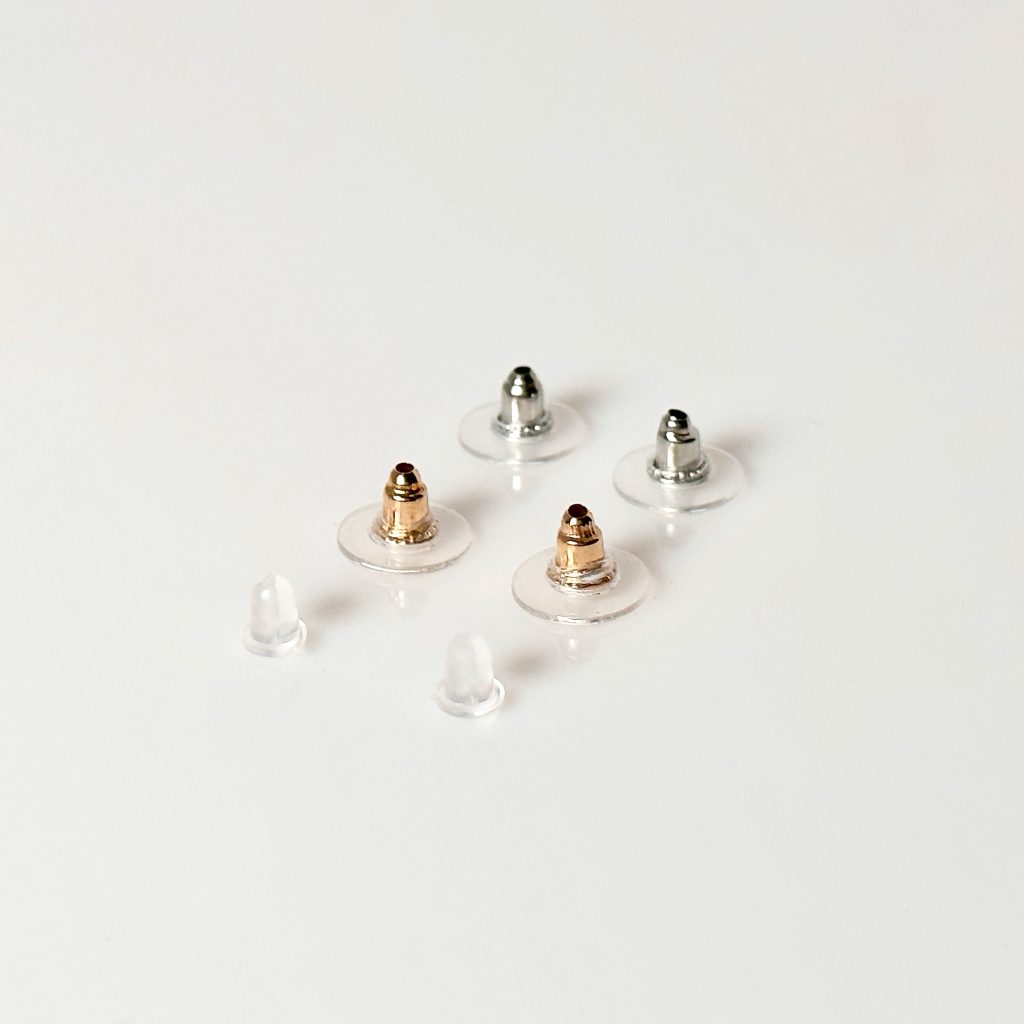
Use the code “S-EARBACKS” on a Supplies Order to order! Each bag is $3.00 Contains: 10x Gold Disc Backs 10x Silver Disc Backs 10x Plastic Bell backs […]
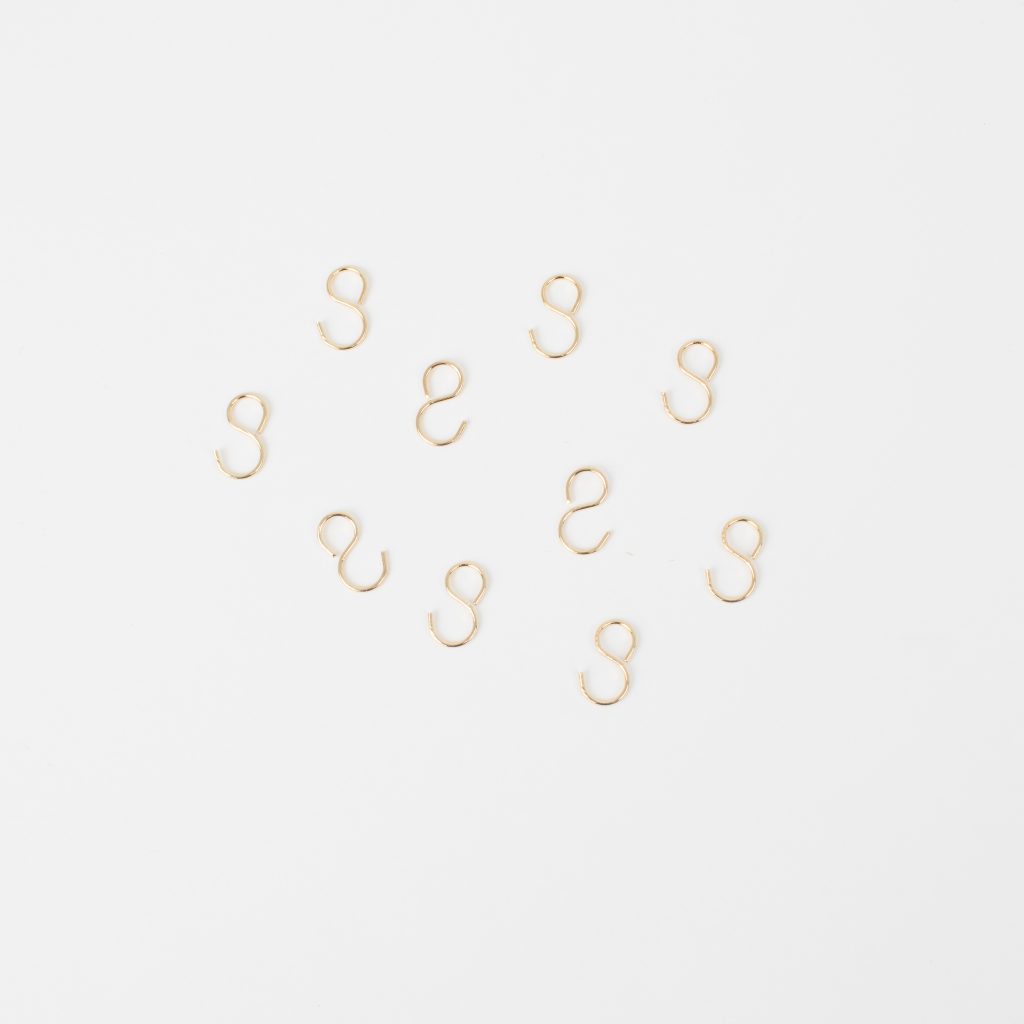
We now have EXTRA HOOKS available for the PermaLinx Display. This will allow you to add more PermaLinx samples to your display. SUPPLY ORDER ONLY. Pack of 10 Hooks Code: S-PLHOOKS Cost: $2.00 […]

Your back office has a ton of information and training. We wanted to help new jBloom Designers have a go to place to get their business started. On the main page of your back office, you will find a new link next to the PermaLinx back office page. This is a great place for you […]
Read More… from New page in the Back Office for New jBloom Designers


You can add multiples of the same item even if there is a color option and this linked training video will show you how: Click here to learn how to order multiple quantities of multi color option items. […]